How to Add Emoji Reaction Widget in Blogger
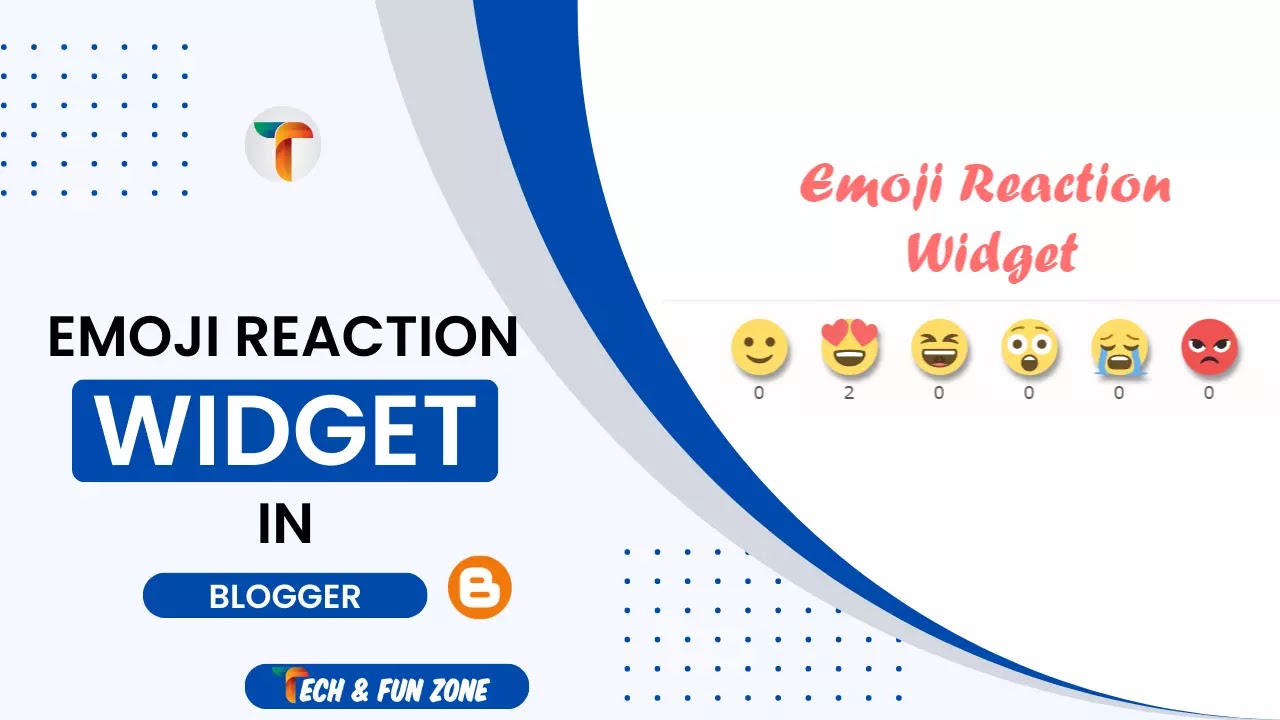

I will demonstrate how to add Emoji Reaction Widget in Blogger in this article, which will also display Emoji Reaction reviews in Google search results. The Emoji Reaction Bar may be available for viewing as a demo in this article by scrolling down.
SHORT TALK
You may be aware that, in contrast to WordPress, Blogger does not include many pre-installed plugins with Star ratings, such as: WP-Post Ratings and kk Star Ratings. Despite this, Google's Blogger service does not, regrettably, feature a star rating device. Therefore, in order to be able to implement the rating widget on Blogger, we will need to take advantage of third-party devices. However, that does not preclude adding it.
WHAT IS EMOJI REACTION WIDGET
Since the Widget Pack's Star Rating feature is no longer available, bloggers are looking for alternatives. This time, I came up with the Emoji Reaction Bar, where readers can express their satisfaction with tutorials or articles by using emojis. It also uses lazy load, which probably won't slow down your page.
Basically, adding an Emoji Reaction Widget to your Blogger articles will boost both organic Google traffic and traffic from other search engines. Because making use of such widgets is a very important part of getting a good ranking in search engines. This means that people can easily see your blog posts, which will get more people to click on them. Therefore, in this blog, we will learn how to use lazy load to add an emoji reaction bar to Blogger.
FEATURES OF EMOJI REACTION WIDGET
Your blog article's Emoji Reaction Widget buttons let your readers interact with it in a fun and useful way. It's simple to set up and customize this. In addition, it looks great on any screen size or device. It's probably on a lot of well-known blogs and websites. I'm also drawn to it. because it's excellent. You will be able to combine six reaction buttons, including:
Discussion